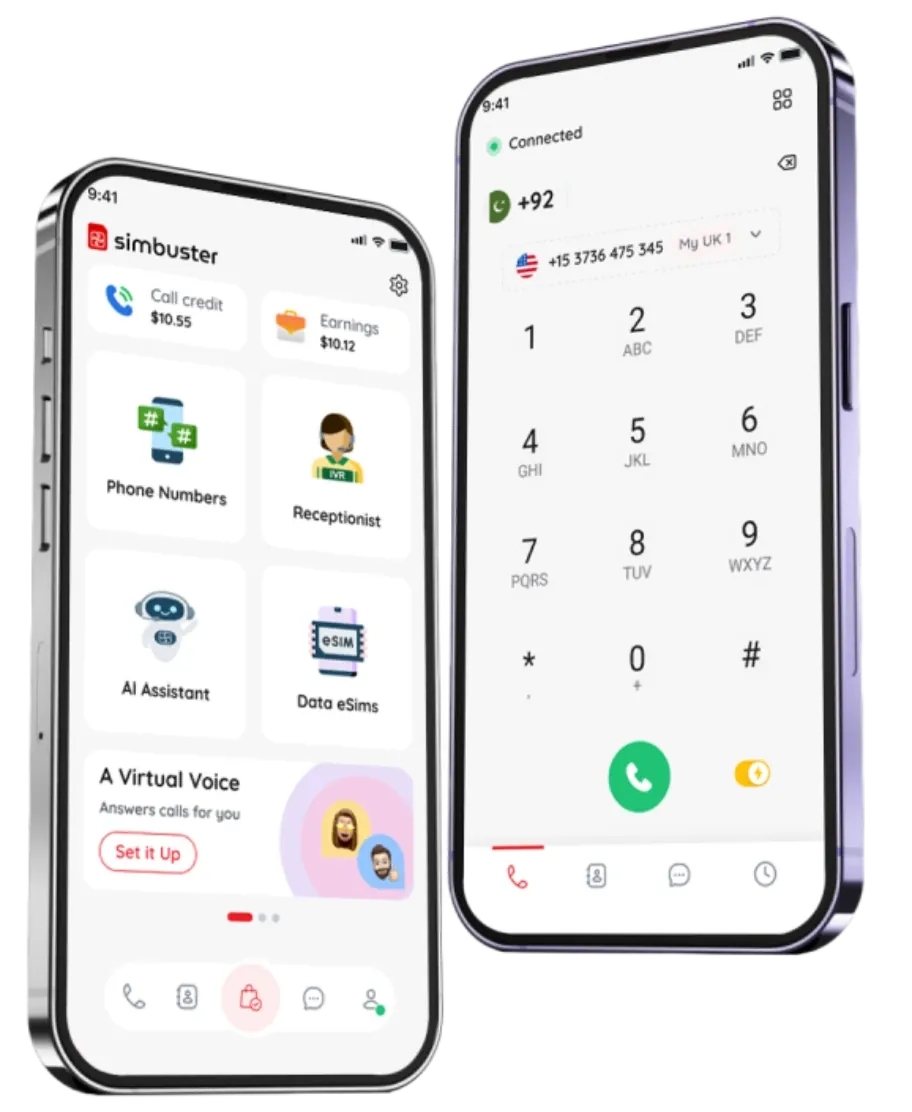
Choose Your Receptionist
Avatar & Voice
Pick a professional avatar or celebrity-style character voice for your virtual receptionist. Create memorable greetings, IVR menu prompts, after-hours messages, and phone call experiences from the SimBuster app
Download on the
App Store
Get it on
Google Play
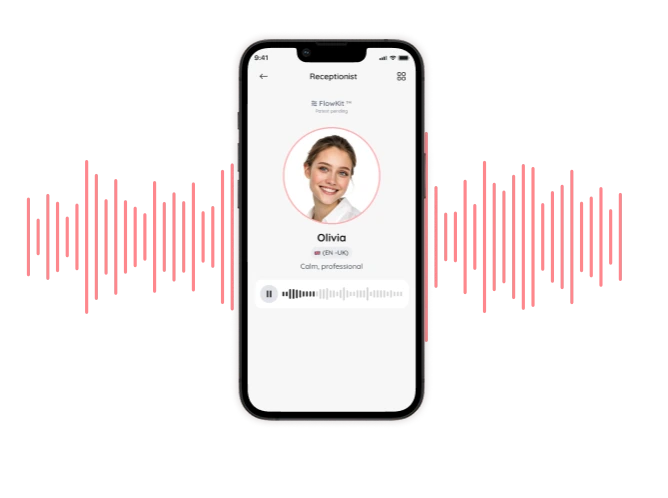
Professional avatars
Instant Setup
Celebrity Voices
Pick an Avatar or Celebrity-Style Character Voice
Choose a professional avatar or a fun voice for your receptionist.
Professional Avatars
Choose a voice for greetings, menu prompts, and after-hours messages.

Sophie
(EN)


Jake
(US)


Jade
(US)

Oliver
(EN)
Celebrity Style Voices
Choose fun character-style voices inspired by familiar voice types for memorable caller experiences






SimBuster avatars and voices help you create a more personal virtual receptionist with professional greetings, IVR voice prompts, menu messages, after-hours replies, and character-style call experiences.
Complete Your Receptionist Puzzle to Go Live
Build your receptionist with visual puzzle blocks, choose a voice, then launch it on your phone number
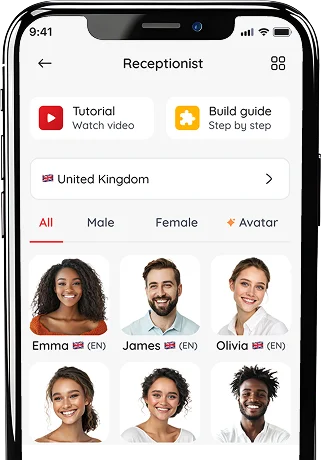
Pick a voice
Choose a professional avatar or celebrity-style voice for your receptionist
1
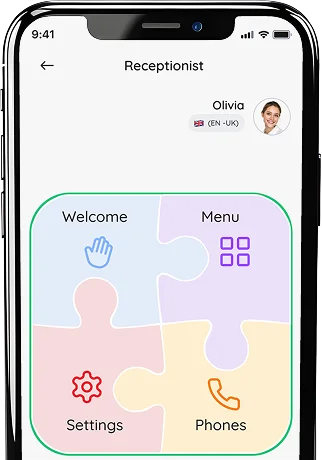
Complete your puzzle
Build your Receptionist with puzzle blocks, then fine-tune your CallTone
2
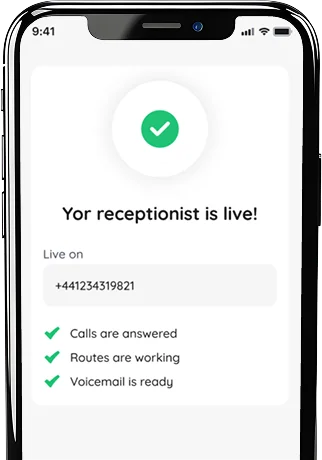
Go live on your number
Test your line, publish your receptionist, and start answering calls
3
SimBuster is a mobile-first phone system for people and businesses who need more than one number. Get a second phone number, set up an AI receptionist, route calls, use voicemail, buy travel eSIM data, send mobile top-ups and manage everything inside one app.
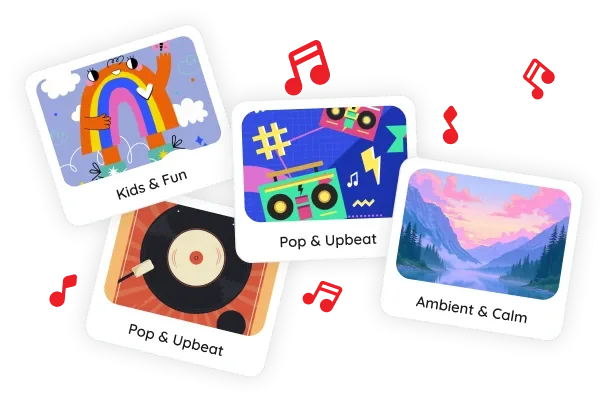
Add Calltones to Your Receptionist
Add music clips, brand tones, or short audio before and after greetings to make every call more memorable
Receptionist Advantages
Works with Phone Numbers
Connect local, mobile, toll-free, and international numbers
Instant & Easy Setup
Build your receptionist in the app and go live in minutes
Secure & Professional
Give callers a polished first impression without complex phone systems
Personal & Flexible
Change routing, greetings, and calltones anytime with just a few taps
FAQ
What are SimBuster voice avatars?
Voice avatars are selectable voices and characters that can speak greetings, announcements or conversations within supported SimBuster call flows.
Does SimBuster offer celebrity voices?
SimBuster offers fictional, celebrity-inspired parody voices for entertainment and personal use. They are not official voices and are not endorsed by or affiliated with any celebrity.
Can I use celebrity-inspired voices for fun?
Yes. Celebrity-inspired parody voices can be used for personal entertainment in supported simple call flows, such as a greeting played directly to you.
Can I use parody voices as my business receptionist?
Professional voices are recommended for customer-facing business calls. Some entertainment voices may be limited to personal or simple call-flow use.
What is a simple call flow?
A simple call flow plays a greeting or voice message before sending the call to a selected destination. It does not require a complicated IVR menu.
Are professional voices available?
Yes. SimBuster offers professional voices suitable for business greetings, IVR menus, virtual receptionists and AI phone agents.
Are multilingual voices available?
Yes. Available professional voices can support different languages and accents. The current language and voice options are shown inside the app.
Can I preview a voice before selecting it?
Yes. Supported voices include a preview so you can hear how they sound before using them.
Can I choose different voices for different phone numbers?
Yes. Where supported, each phone number, receptionist, AI agent or call flow can use its own selected voice.
Can I use a voice for an IVR phone menu?
Yes. Professional voices can speak greetings and menu prompts such as sales, support, accounts or other call-routing options.
Can I use a voice for my AI phone agent?
Yes. Choose an available professional voice when setting up your AI Assistant. Voice and language availability may depend on the selected agent.
Can I change the selected voice later?
Yes. You can change the voice used by a supported call flow, receptionist or AI agent through SimBuster.
Can I use voice avatars in a 2- or 3-extension puzzle flow?
Yes. Professional voices can be used for greetings and menu options in puzzle flows with two or three extensions, such as “Press 1 for Sales” and “Press 2 for Support.” Celebrity-inspired parody voices may be limited to personal or simple call flows.
What are voice credits?
Voice credits are used when generating supported spoken audio, greetings or call flows with SimBuster voices.
Do voice credits expire?
Purchased SimBuster speech credits do not expire. The required number of credits depends on the content and type of call flow being created.
How many voice credits does a greeting use?
The number of credits depends on the length of the text and whether you are creating a simple greeting or a more detailed puzzle-style IVR flow. The required amount is shown before generation.
Can I upload my own voice recording?
Where supported, you can upload your own audio instead of using a generated voice.
Can I imitate a real person?
The entertainment voices available in SimBuster are fictional parodies. They should not be presented as genuine recordings, official voices or endorsements from real people.
How much do voice avatars cost?
Available voices, previews and any required voice credits are shown inside the SimBuster app before use.
Popular Avatars Searches:
Give Every Call a Voice.
Choose a fun parody voice or a professional multilingual voice for your greeting, receptionist, IVR or AI phone agent.
Download on the
App Store
Get it on
Google Play