Create Receptionist
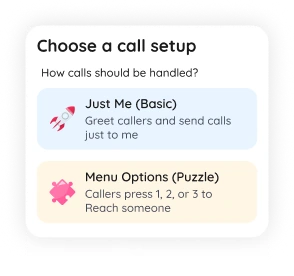
Choose a simple greeting or build a full IVR menu
Mobile IVR Builder & Virtual Receptionist
Create a virtual receptionist, auto attendant, or IVR phone menu from your phone. Add welcome messages, opening hours, call routing, voicemail, calltones, AI bot, and multiple phone numbers in minutes.
SimBuster Receptionist is a mobile IVR builder and virtual receptionist app for creating greetings, call menus, routing, voicemail, AI answering, calltones, and business number flows without PBX hardware.
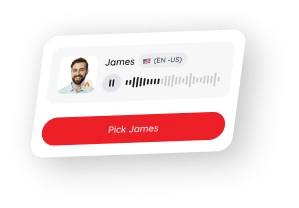
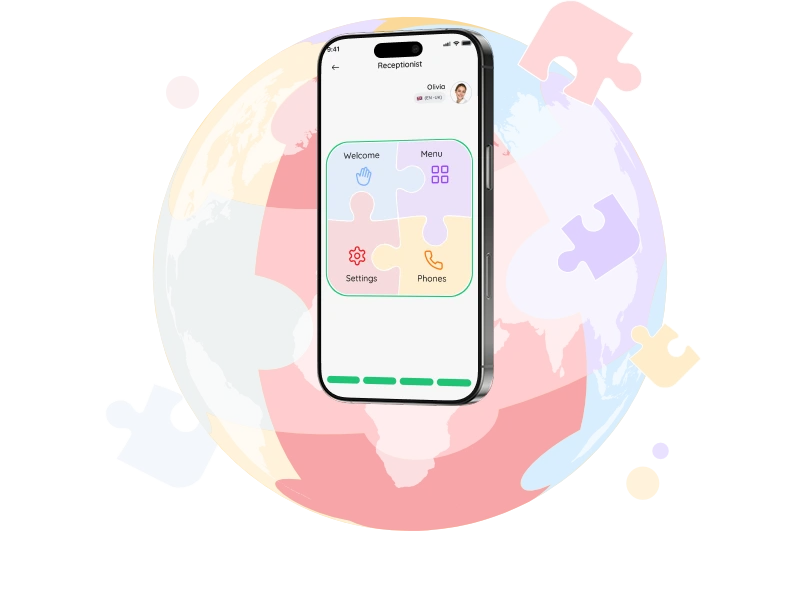
Build your receptionist with visual puzzle blocks, choose a voice, then launch it on your phone number
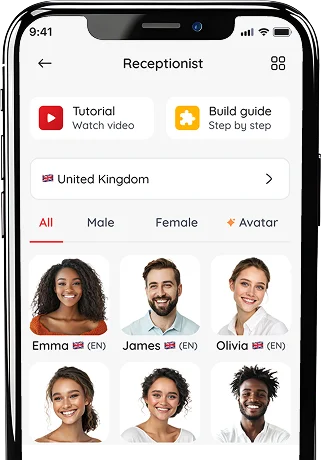
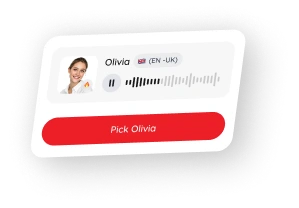
Choose a professional avatar or celebrity-style voice for your receptionist
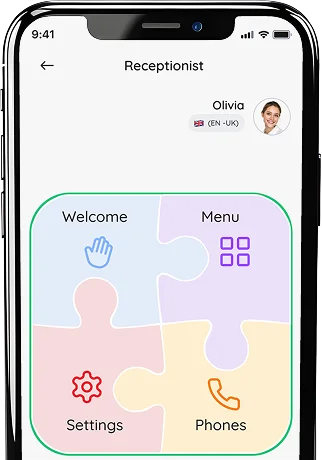
Build your Receptionist with puzzle blocks, then fine-tune your CallTone
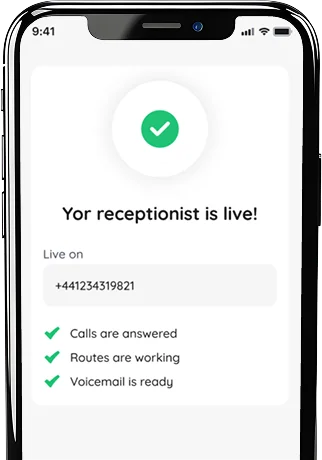
Test your line, publish your receptionist, and start answering calls
Watch how to create a welcome message, IVR menu, call routing, and voicemail from your phone.
Choose a simple greeting or build a full IVR menu
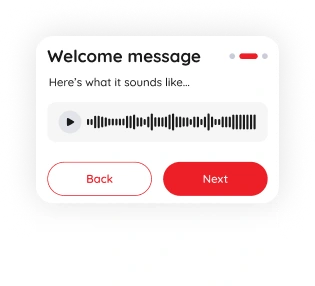
Generate a professional voice greeting
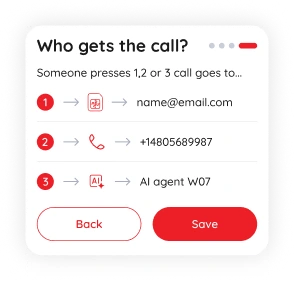
Send calls to yourself, your team, AI bot or a phone
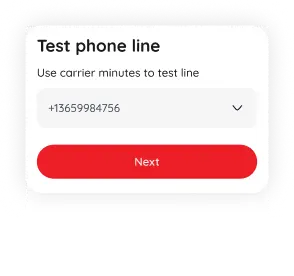
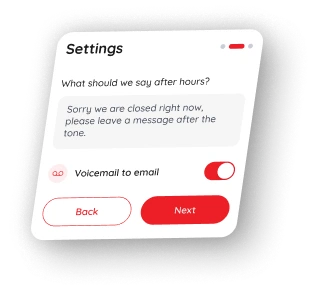
Test the line, change settings and update anytime
Create call flows with simple puzzle-style blocks
A visual call-flow builder designed for mobile phone systems.
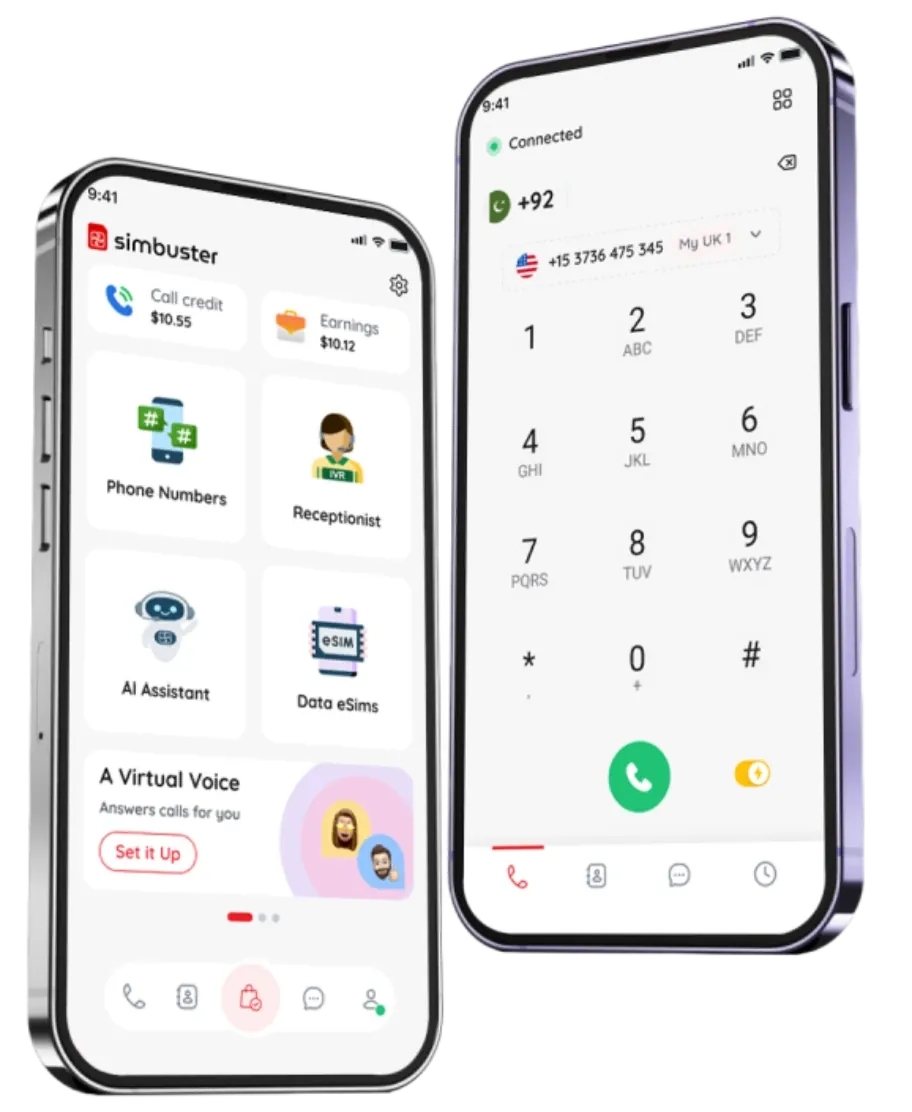
Manage your receptionist, numbers, and routing in the app
Get a professional phone receptionist without complex setup.
Choose a natural voice for your receptionist greeting, menu prompts, and after-hours messages




Add or remove business phone numbers anytime
Set business hours, after hours messages and routing
Forward calls to your phone, team, voicemail, or AI bot

Add branded intro music before callers connect
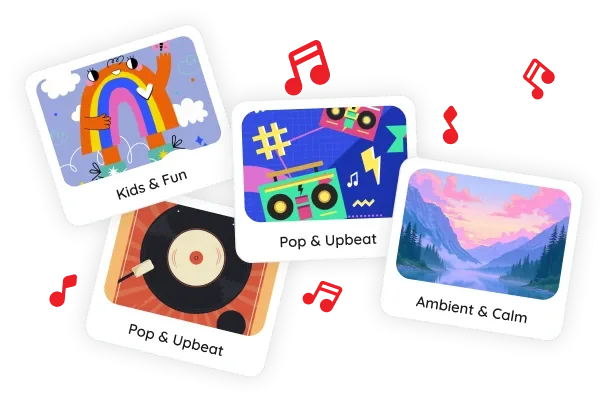
Add music clips, brand tones, or short audio before and after greetings to make every call more memorable
Connect local, mobile, toll-free, and international numbers
Let AI answer common questions when your team is busy.
Add branded audio before routing callers to the right place.
The SimBuster Receptionist is a visual IVR and auto-attendant builder. It lets you create greetings, phone menus, call routing and voicemail using simple puzzle-style blocks.
An IVR system answers incoming calls and gives callers options such as “Press 1 for sales” or “Press 2 for support.” Calls can then be routed to the correct person or destination.
No. The visual builder lets you connect simple puzzle blocks to create your call flow without writing code or configuring complicated phone systems.
You can add greetings, keypad options, call transfers, departments, voicemail, business hours and other supported call-handling steps.
Yes. You can build an automated attendant that welcomes callers, presents menu choices and routes calls based on their selection.
Yes. Connect a supported SimBuster number and select your Receptionist or IVR flow to handle incoming calls.
Yes. Supported call flows can route calls to the SimBuster app, another phone number, voicemail or other available destinations.
Yes. You can create menu options for sales, support, accounts, bookings or any other department your business needs.
Yes. You can create different call paths for opening hours, evenings, weekends or when your business is closed.
Yes. Add a voicemail block to your call flow and choose when callers should be sent to voicemail.
Yes. You can edit greetings, menu options, routing and other call-flow settings when your business needs change.
Yes. You can use supported text-to-speech voices or upload available audio where the feature is supported.
Yes. It is designed for small businesses, remote teams, freelancers and organisations that need professional call handling without expensive phone hardware.
No. The Receptionist uses structured menus and call-routing rules. The AI Assistant can hold spoken conversations and answer questions using AI. They can be used separately or together where supported.
IVR Receptionist comes free with every number, included voice credits and any usage charges are shown in the SimBuster app before activation.
Create your IVR, route calls and manage everything from the SimBuster app.